



- Article
How to Choose a Design Partner for a Marketplace Platform


What Is Webflow and How It Work
Webflow is a visual web development platform that lets you design, build, and launch websites without writing code — while still giving you the control that developers expect from hand-coded builds.
If you’re choosing between Webflow and other platforms for your next website development project, this guide covers what Webflow actually does, how it compares to WordPress, who should use it, when to choose something else, and what it costs.
Webflow History and Positioning
Webflow launched in 2013 with a simple premise: designers shouldn’t need developers to build production websites. A decade later, it powers over 500,000 live websites — from startup landing pages to enterprise marketing sites.
The platform sits between two worlds. More powerful than drag-and-drop builders like Wix and Squarespace — because it generates clean, semantic HTML and CSS. More accessible than custom development — because you never touch a code editor unless you want to.
Webflow’s positioning: professional-grade web design without the development bottleneck. Design visually. Publish instantly. Iterate without waiting for a developer to push changes.
Key Features of Webflow
No-Code Visual Editor
The visual editor is Webflow’s core. It mirrors how CSS actually works — flexbox, grid, positioning, responsive breakpoints — presented through a visual interface instead of code.
Sites built in Webflow aren’t template-locked. You have the same layout flexibility as a custom-coded site. Every element can be positioned, styled, animated, and made responsive without writing code.
The learning curve is steeper than Wix or Squarespace. Webflow doesn’t hide CSS concepts — it visualizes them. If you understand the box model and flexbox, the editor feels powerful. If you don’t, it feels complex.
CMS and Dynamic Content
Webflow’s CMS lets you create collections — blog posts, team members, case studies, products — and design how they display. Each collection item uses a template you design once. Add a new item and it automatically follows the layout.
For business websites this means your marketing team can add blog posts, update team pages, and publish case studies without calling a developer.
The CMS handles most content-driven use cases. Where it reaches its limit: complex relational data, user-generated content, or e-commerce beyond basic catalogs.
Hosting and CDN
Webflow includes hosting on every paid plan. Sites are served through Fastly and Amazon CloudFront CDNs — fast load times globally without configuring anything.
SSL, backups, and security patches are automatic. You don’t manage a server, update plugins, or worry about your site going down because a PHP version changed.
Interactions and Animations
Webflow lets you build scroll-triggered animations, hover effects, page transitions, and micro-interactions visually. You define triggers, set keyframes, and control timing with the same precision as hand-written code — without writing any.
Webflow vs WordPress Comparison
This is the question every founder asks. The honest answer: it depends on what you’re building.
Design control. Webflow gives pixel-perfect control without code. WordPress gives themes you customize — and when the theme falls short, you’re writing PHP.
Content management. WordPress has 60,000+ plugins. Webflow’s CMS is simpler but covers 80% of business needs without plugin conflicts.
Maintenance. WordPress requires ongoing updates that can break things. Webflow handles updates automatically.
Performance. Most WordPress sites aren’t well-optimized because every plugin adds weight. Webflow ships clean code with built-in CDN.
E-commerce. WordPress with WooCommerce handles complex stores. Webflow E-commerce works for simple catalogs only.
Cost of ownership. WordPress hosting is cheap. WordPress maintenance is not. Total cost often exceeds Webflow’s monthly plan.
Bottom line: Webflow wins for marketing sites, landing pages, and business websites. WordPress wins for complex e-commerce and projects needing specific plugin functionality.
Who Should Use Webflow
Startups and small businesses that need a professional website fast. Webflow lets a designer deliver a production site in 2-4 weeks without a developer.
Design agencies building client websites. Design and build happen in the same tool — no handoff gap between Figma and development.
Marketing teams that want to launch pages and update content without developer tickets.
SaaS companies building their marketing site separately from the product. Webflow handles the marketing site. Your engineering team handles the custom software development.
When to Choose Other Platforms
Complex e-commerce with 100+ products and subscription billing — use Shopify or WooCommerce. Web applications with authentication and dashboards — use React, Next.js, or a custom stack. Heavy content sites with thousands of pages — WordPress or a headless CMS. Single-page site on a tight budget — Squarespace or Carrd.
Webflow Development Cost
DIY with a template ($0 – $500). Right for personal sites and simple landing pages.
Freelance Webflow designer ($1,500 – $5,000). Custom design, 5-15 pages. Right for startups needing polish without agency pricing.
Agency build ($5,000 – $25,000). Custom web design with strategy, copywriting, CMS setup, and animations. Right for companies that need a site that performs.
Enterprise builds ($25,000+). Multi-language, advanced CMS, custom integrations. Right for companies with complex requirements.
Webflow hosting: Basic $14/month. CMS $23/month. Business $39/month. E-commerce from $29/month.
Total cost of ownership is almost always lower than WordPress when you factor in hosting, maintenance, security, and developer time.
Examples of Webflow Websites
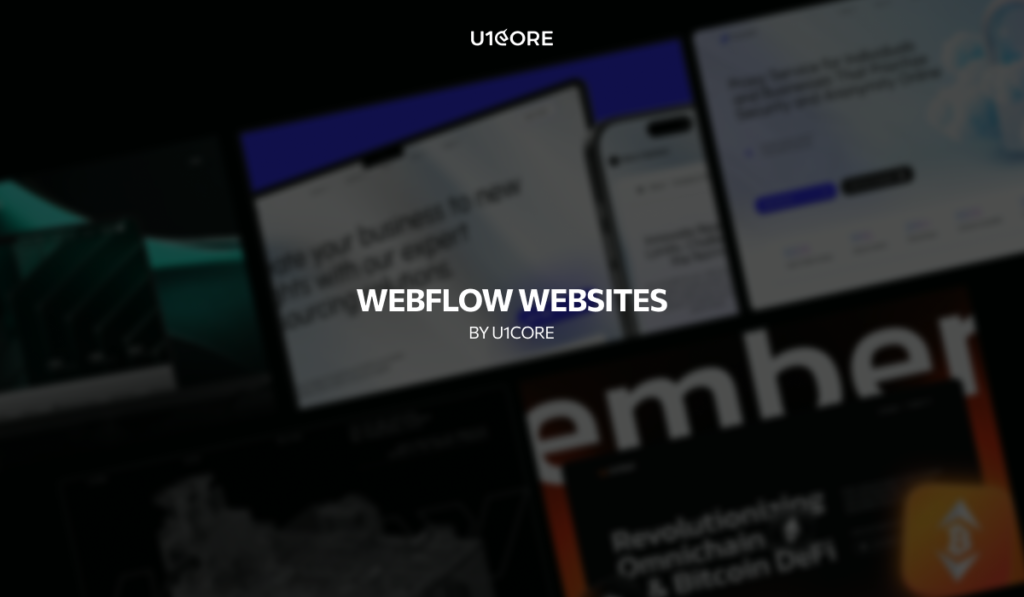
Victus Global — institutional crypto infrastructure website. Complex financial services communicated with clarity through real-time metrics, 3D visualizations, and modular layout. Built for institutional decision-makers across 65+ exchanges. → See the case
Elevix Solutions — SaaS business website with structured content, conversion-focused layout, and clean information architecture. UX research, moodboard, and multiple design concepts before final build. → See the case
Proxy Guard — a proxy service website with modular sections, trust signals (uptime, coverage, pool size), and dual CTAs. Bold value proposition with feature cards that explain use cases in plain language. → See the case
Kray — complex business solutions website. Clean layout with structured service presentation. → See the case
Spark — startup website with modern visual language and conversion-oriented structure. → See the case
The common thread: each was built in Webflow for speed and flexibility — designed by our team, managed by the client’s marketing team after launch. No developer bottleneck for content updates.
At U1CORE we’re a Webflow Professional Partner. We use Webflow for marketing sites and business websites where speed and design control matter — and custom development for product interfaces where Webflow reaches its limits.
U1CORE is a product design and development studio and Webflow Professional Partner. We build websites, mobile apps, custom software, and brand identities. $720M+ processed through products we’ve built. Book a strategy call.\


During this call we do a quick intro and discuss your project and its specific needs.
During this call we do a quick intro and discuss your project and its specific needs.

Book a free consultation with us, so we will frame your product vision and strategy.

We’ve received your request and our team is already reviewing it. We’ll get back to you as soon as possible to discuss how we can help you achieve your goals.
Looking forward to collaborating with you!

We’ve sent the download link to your email. Check your inbox (and spam folder just in case) to access the eBook.
We hope you find it valuable for your Web3 journey. If you have any questions or feedback, feel free to reach out!