


A small markdown file at the root of your domain, offering AI systems a curated map of your site instead of making them guess from your HTML. It takes about an hour. Whether it does anything is a more honest question than most articles admit, and this guide answers both.
What llms.txt Is and Why It Appeared
llms.txt is a plain markdown file at the root of your site, served as /llms.txt, that tells a language model what your site is and which pages matter. It was proposed in September 2024 by Jeremy Howard of Answer.AI.
The problem it addresses is real. A model reading your site gets HTML built for browsers: navigation, cookie banners, analytics, tracking scripts, text inside components. Context windows are finite, and most of what a crawler pulls off a modern page is not content.
llms.txt is an editorial answer to that. Rather than making a machine infer what matters, you state it: here is what we are, here are the twenty pages worth reading, here is what each one covers.
llms.txt vs robots.txt vs sitemap.xml
Three files at the root of your domain, three different jobs.
robots.txt is permission. It tells crawlers what they may not fetch. It says nothing about what anything means.
sitemap.xml is inventory. Every URL you want indexed, for search crawlers, in XML. Exhaustive by design and written for machines that are going to visit everything anyway.
llms.txt is a summary with an opinion. Not every page — the ones you would point a new person at. Human-readable markdown, and it carries descriptions rather than just addresses.
The practical difference: a sitemap grows automatically, while llms.txt is a decision about priority. If you can't say which twenty pages matter, the file won't write itself.
What llms.txt Can and Can't Do
It is a proposal, not a standard, and no major AI provider has publicly committed to reading it. Anyone who tells you otherwise is guessing. Google's search advocates have compared it publicly to the old keywords meta tag — a hint nobody checks.
What it does reliably:
- Gives assistants with live browsing a clean page to fetch when someone points them at your domain
- Forces you to write one plain sentence about what your company is, which is useful whether or not a machine ever reads it
- Costs an hour and breaks nothing
What it does not do:
- Make you appear in AI answers on its own
- Replace having content worth citing
- Get read by crawlers that currently ignore it, which is most of them
The honest position: do it because it's cheap and the exercise sharpens your positioning, not because it's a ranking factor. The work that actually moves AI visibility is covered in our guide to AEO vs SEO.
llms.txt File Structure
Required Sections
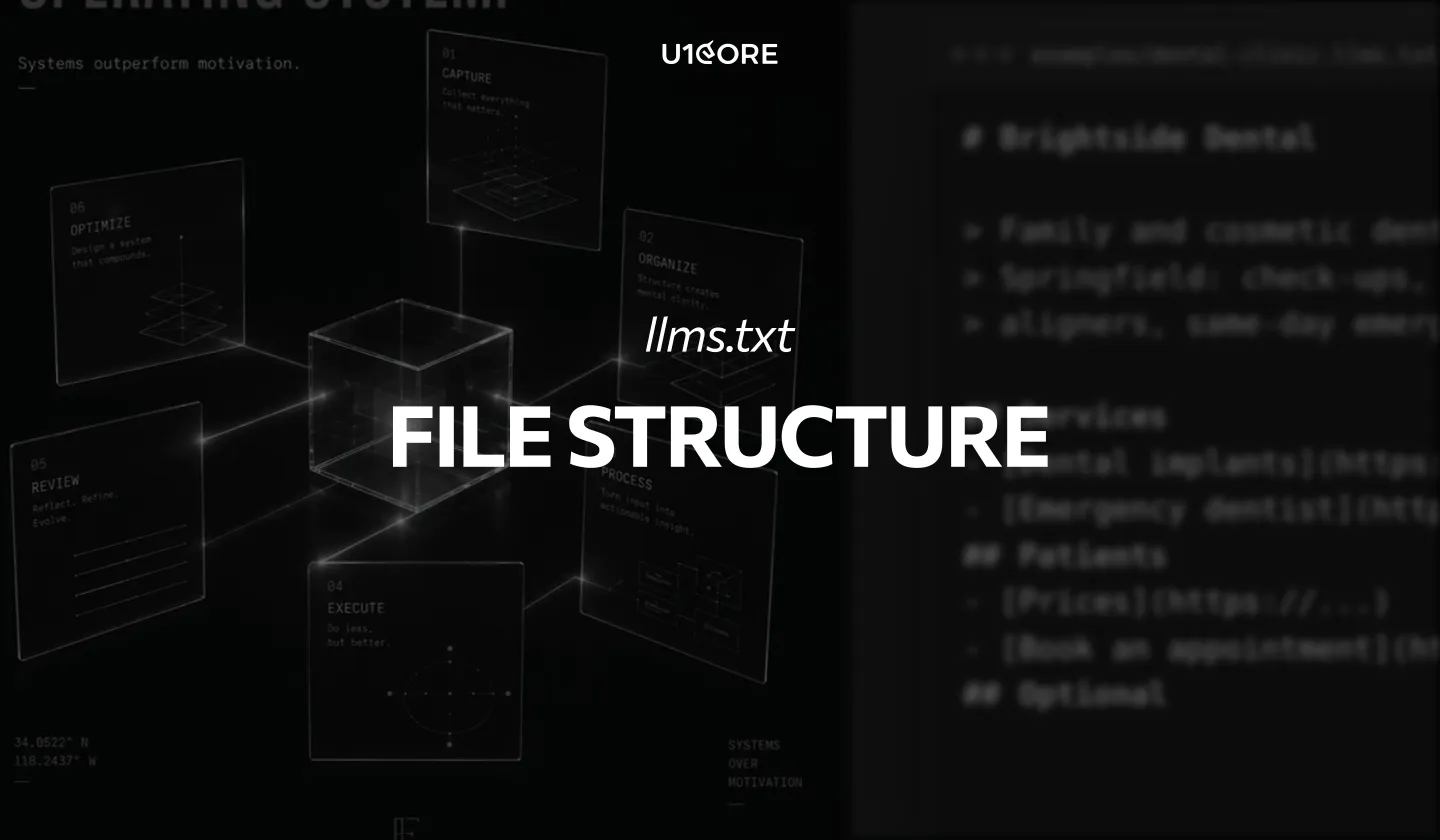
The format is ordinary markdown with a defined shape:
# Company Name
> One-sentence description of what you do, for whom.
Optional paragraphs of context — what the company is,
which markets, anything a reader needs before the links.
## Services
- [Service name](https://example.com/service): what it covers.
- [Another service](https://example.com/other): what it covers.
## Case Studies
- [Client project](https://example.com/case): the problem and the outcome.
Only the H1 is strictly required. The blockquote summary is the single highest-value line in the file, because it is the sentence most likely to be repeated back.
Section names are yours to choose. Keep each link description to one line stating what the page contains, not why it's good.
Optional Sections and llms-full.txt
A section headed ## Optional has a defined meaning: it can be skipped when a shorter context is needed. Put secondary material there — press, policies, background — and keep the main sections to what you want read first.
llms-full.txt is the companion convention: your actual content, concatenated into one markdown file, rather than a list of links. It suits documentation sites, where a model can ingest the whole thing in one fetch. For most company sites it's unnecessary and immediately goes stale.
How to Create llms.txt Step by Step
1. Write the summary sentence first. What you do, for whom, in which markets. If three colleagues write it separately and the versions don't match, fix that before writing any file.
2. Choose the pages. Ten to twenty. Services, your strongest cases, pricing if it's public, the articles you'd want quoted. Not every blog post you've ever published.
3. Write one line per link. Describe the content. "Comparison of three pricing models and who each one suits" beats "our insights on pricing."
4. Check the linked pages are readable. Open one, select all, copy, paste into a notes app. If little text comes out, the link is pointing at something a machine can't use, and the llms.txt entry won't fix that.
5. Save it at the root as /llms.txt, UTF-8, served as text/plain or text/markdown.
6. Verify it loads by visiting the URL directly. A file returning your 404 page as HTML is the commonest mistake.
7. Put it on the release checklist. A file describing last year's services is worse than no file.

llms.txt Examples
Example for a B2B Agency
# Northwind Studio
> Product design and development studio for operations-heavy
> businesses — banking, logistics and fleet — based in Berlin.
## Services
- [Custom software](https://example.com/software): ERP, internal
tools and automation for manual operational processes.
- [Product design](https://example.com/product): UX and UI for
B2B platforms, dashboards and customer portals.
## Case Studies
- [Regional bank compliance](https://example.com/bank): replaced a
manual review department with an audited workflow system.
## Optional
- [About](https://example.com/about)
- [Contact](https://example.com/contact)
Example for a SaaS Product
# Ledgerline
> Invoice reconciliation software for mid-market finance teams.
## Documentation
- [Quickstart](https://example.com/docs/start): connect an accounting
system and run a first reconciliation.
- [API reference](https://example.com/docs/api): endpoints,
authentication and rate limits.
## Product
- [Pricing](https://example.com/pricing): three tiers, per-seat,
with limits for each.
## Optional
- [Changelog](https://example.com/changelog)
How to Check That AI Bots Read It
Look in your server or CDN logs for requests to /llms.txt. That is the only direct evidence, and for most sites the honest result today is very few requests or none.
Filter by user agent: GPTBot and OAI-SearchBot (OpenAI), ClaudeBot and Claude-User (Anthropic), PerplexityBot, Google-Extended. Compare how often each requests /llms.txt against how often it requests ordinary pages. The gap tells you how much the file is actually being used.
Then test the content, not the file. Ask an assistant with browsing to read your domain and describe what your company does. If the description is wrong or vague, your entity isn't clear enough anywhere — and that's the problem worth fixing, with or without llms.txt.
For measurement that reflects commercial reality, run a fixed prompt set on a schedule and track which sources get cited. Our AI and AEO content strategy service covers how to build and read that.
U1CORE is a product digital studio that works like consultants. Websites, product, branding and software for strong businesses whose digital and operations don't yet play at their level. Book a strategy call.